Instant Access
Your full account, including the cashier, bonus tab, VIP Club dashboard and game lobby, loads within seconds of a successful login on any device.
Everything About the Login at Rarawin
Sign in to access your account, claim your bonuses and play pokies from Pragmatic Play, Evolution Gaming live tables and the Rarawin sportsbook.
Keep Your Account Secure
What You Should Do
What You Should Avoid
Sign-In Highlights
Instant Access
Your full account, including the cashier, bonus tab, VIP Club dashboard and game lobby, loads within seconds of a successful login on any device.
Two-Factor Security
Enable two-factor authentication from the account security settings to add a second verification step every time you sign in.
Mobile Sign-In
The Rarawin login page is fully optimised for mobile browsers and works identically on the Android APK and the iOS PWA shortcut.
Rarawin uses a single account system: the email address and password you set at registration are the credentials for every device, whether you are signing in through a desktop browser, the Android APK or the iOS PWA. There is no separate social or phone-number login option. Two-factor authentication is available as an opt-in feature from the account security settings and adds a one-time code requirement on every sign-in, reducing the risk of unauthorised access even if a password is compromised.
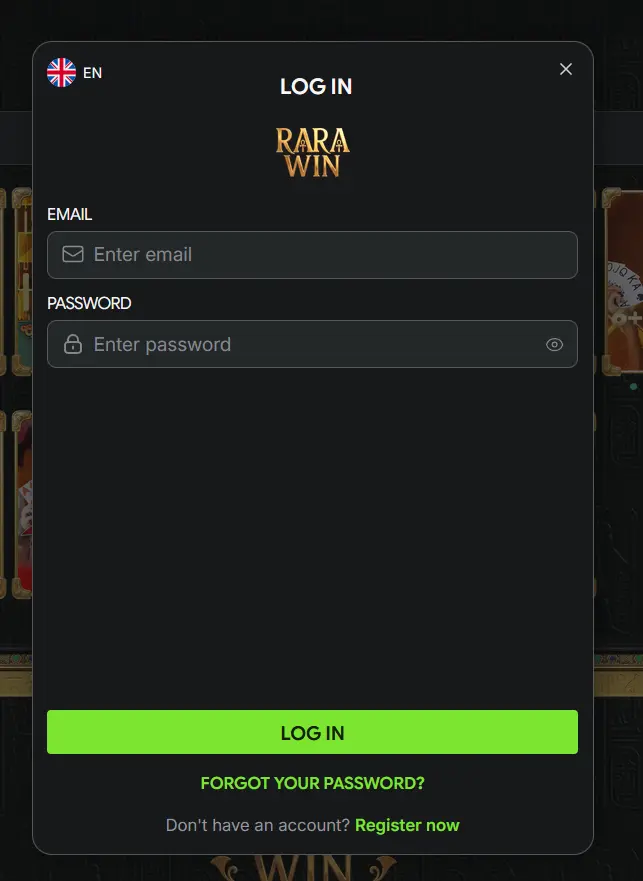
Most login failures at Rarawin fall into a small number of causes, each with a clear fix.
A forgotten password is the most common. The login screen carries a link that sends a reset message to the registered email address. Once the link arrives, follow it to create a new password, then return to the login page. If the reset email does not appear within five minutes, check the spam or junk folder before contacting [email protected].
Repeated incorrect password entries trigger a temporary account lock, which releases automatically after a short delay. Using the password reset path is the fastest way back into the account without waiting.
Two-factor authentication issues are usually a matter of timing. One-time codes from an authenticator app are time-sensitive, so if the code is rejected, ensure the clock on the device generating the code matches the current time. If the authenticator app is no longer accessible, contact the support desk through live chat and verify identity to have 2FA reset on the account.
A browser that blocks third-party cookies or has an aggressive ad-blocker active can occasionally prevent the login page from completing. Switching to a standard browser session without extensions resolves this in most cases. The Rarawin Android APK and iOS PWA are not affected by browser cookie settings and can be used as an alternative route.
If a login attempt returns an error about country restrictions or an unrecognised device, contacting the 24/7 live chat is the right step. Agents can verify account status, confirm whether a new device needs to be authorised, and escalate anything that a first-line response cannot resolve.
A secure Rarawin account begins at the password level. Use a password that is at least twelve characters long and mixes uppercase and lowercase letters, numbers and symbols. Avoid any password recycled from an email account or social media profile, since a breach on any other platform would then expose the casino account as well.
The second security layer is two-factor authentication. When enabled, every login generates a time-limited code sent to an authenticator app. Even with the correct password in hand, an attacker cannot complete the sign-in without physical access to the device holding the authenticator. Enabling 2FA takes under two minutes from the account security settings page.
For players who access Rarawin from a phone, biometric login through the Android APK or the iOS PWA’s browser-level fingerprint support adds a convenient layer without weakening security. The biometric check replaces the password step on the device where it is set up, while still requiring the password for any new or unrecognised device.
Rarawin’s support agents will never ask for a password or a one-time authentication code. Any message, email or chat claiming to be from Rarawin and requesting those details is fraudulent. Report suspicious contacts to [email protected] immediately.
Navigate directly to rarawin.app in any modern desktop browser. Click the login button in the top right corner of the homepage. Enter the email address registered to your account, then the password. If two-factor authentication is active, enter the code from your authenticator app when prompted. The account dashboard loads immediately on successful authentication, showing the current balance, active bonuses and VIP Club status.
Open any mobile browser, navigate to rarawin.app and tap the login button. The sign-in form is fully touch-optimised. Enter credentials as on desktop. Adding rarawin.app to your home screen via the browser’s share menu creates a PWA shortcut that opens the casino directly without navigating through the browser each time.
On Android, open the Rarawin APK installed from rarawin.app and tap Sign In. On iOS, open the PWA shortcut added to the home screen and use the same login credentials. Both the APK and the PWA support persistent sessions, so you typically remain signed in between visits unless you choose to log out.
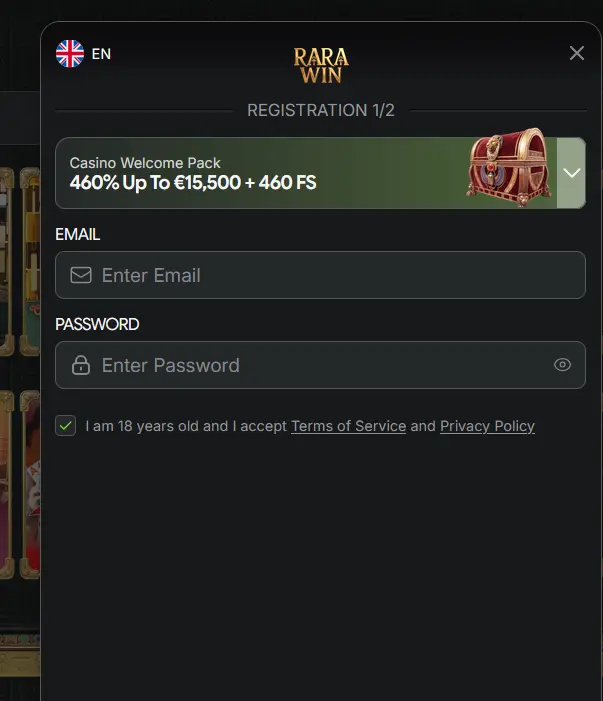
New players can register at rarawin.app by completing the sign-up form with valid personal details, confirming the email verification link and making a first deposit. The full registration process takes under two minutes, and once the account is verified, the Casino Welcome Pack of 460% up to $15,500 plus 460 free spins becomes available in the cashier. 18+ only. T&Cs apply. Keep in mind that providing accurate information at registration matters: the details on the account must match the identity documents that KYC verification will later require.
Login Questions Answered
Click the forgotten password link on the login screen, enter the email address registered to your account and follow the reset link sent to your inbox. If the email does not arrive within a few minutes, check your spam folder or contact [email protected].
Rarawin locks an account temporarily after repeated incorrect password entries as a security measure. Wait a few minutes and try again, or use the password reset link to regain access without delay.
Yes, the Rarawin Android APK and iOS PWA both support persistent sessions, so you remain signed in between visits unless you manually log out or clear app data.
Sign In and Start Playing
Grab 460% up to $15,500 and 460 free spins.
Enter the Casino 18+ only. Gambling can lead to addiction and bonus terms and conditions apply.